I’ve been using Claude Projects for teaching — generating exam questions, looking up topics, building a pipeline to summarize student feedback — and for research, where it’s great for getting up to speed in a new area and identifying gaps and open problems. After accumulating a few dozen projects, I needed a way to categorize them. Claude doesn’t offer one. Neither does ChatGPT, for what it’s worth.
So I tested a workaround. It’s dead simple, it takes 30 seconds, and as far as I can tell, nobody has written about it.
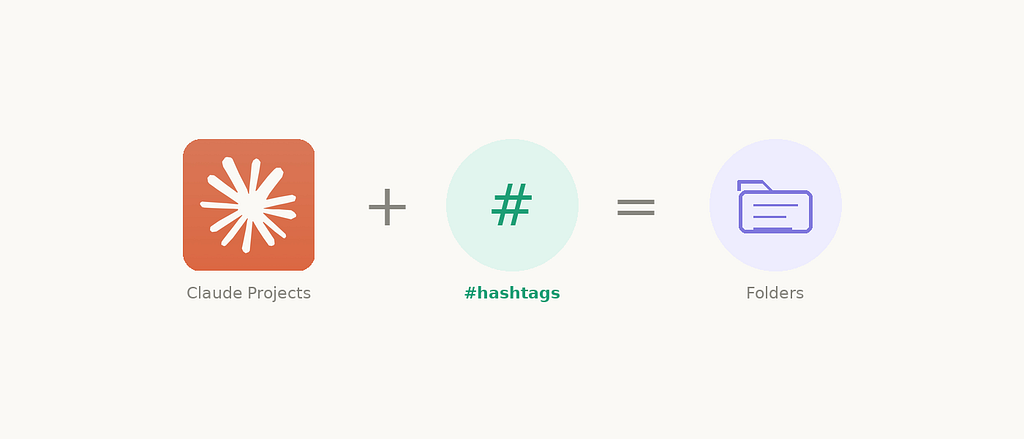
The trick: hashtags at the end of project names
Append a #tag to the end of your project name. For example:
- LLM Calibration Study #research
- Recommender Systems #teaching
- Knowledge Base Scripts #tools
Then use Claude’s project search bar. Type #research and you'll see only your research projects. Type #tools and you get just your tooling projects.
That’s it. You now have tag-based filtering for Claude Projects.
Why the end, not the beginning?
The Claude sidebar truncates long project names. If you put the tag first (e.g., #teaching Recommender Systems), you “burn” your visible characters on the category rather than the project's actual name. By placing the tag at the end, the distinctive part of the name appears in the sidebar, and the tag remains fully searchable.
Hierarchical tags: folders without folders
Here’s where it gets more interesting. You can use / inside the hashtag to create a hierarchy. This effectively gives you a folder-like structure:
- Recommender Systems #teaching/1656
- Ensemble Methods #teaching/2120
- LLM Calibration Study #research/llm
- Survey Design Methods #research/methods
Now searching #teaching returns all your teaching projects. Searching #teaching/1656 narrows it down to just your CS 1656 course. You've got categories and subcategories — a two-level folder system built entirely from naming conventions.
You can go as deep as you want: #research/llm/scaling would work, though in practice, one or two levels is probably enough.
Does this work on ChatGPT?
I tested it. Short answer: no, not really.
ChatGPT’s project search doesn’t appear to treat # as a required literal character — it returns broader, fuzzier results. And ChatGPT's project list doesn't have the same quick-search functionality that makes this trick practical on Claude in the first place.
So this is a Claude-specific advantage. A small one, but a real one.
Summary
Until Anthropic ships proper folders or tags for Projects (please do), here’s the system:
- Append #tag to your project names — e.g., My Project #research
- Use / for subcategories — e.g., My Project #teaching/1656
- Put tags at the end so the unique project name stays visible in the sidebar
- Search by #tag using Claude's project search bar
Note: this doesn’t work on ChatGPT, whose search ignores the # character.
It’s not a real tagging system, but it’s close enough to keep things organized as your project list grows. And it costs you nothing but a few extra characters in each project name.